Variables
📚 What are Variables? A variable is a named container that holds a value in your program. Think of it like a labelled box: you write a name on the outside, put something inside, and come back later to find it by name. In Python you create one with a simple assignment: name = value.
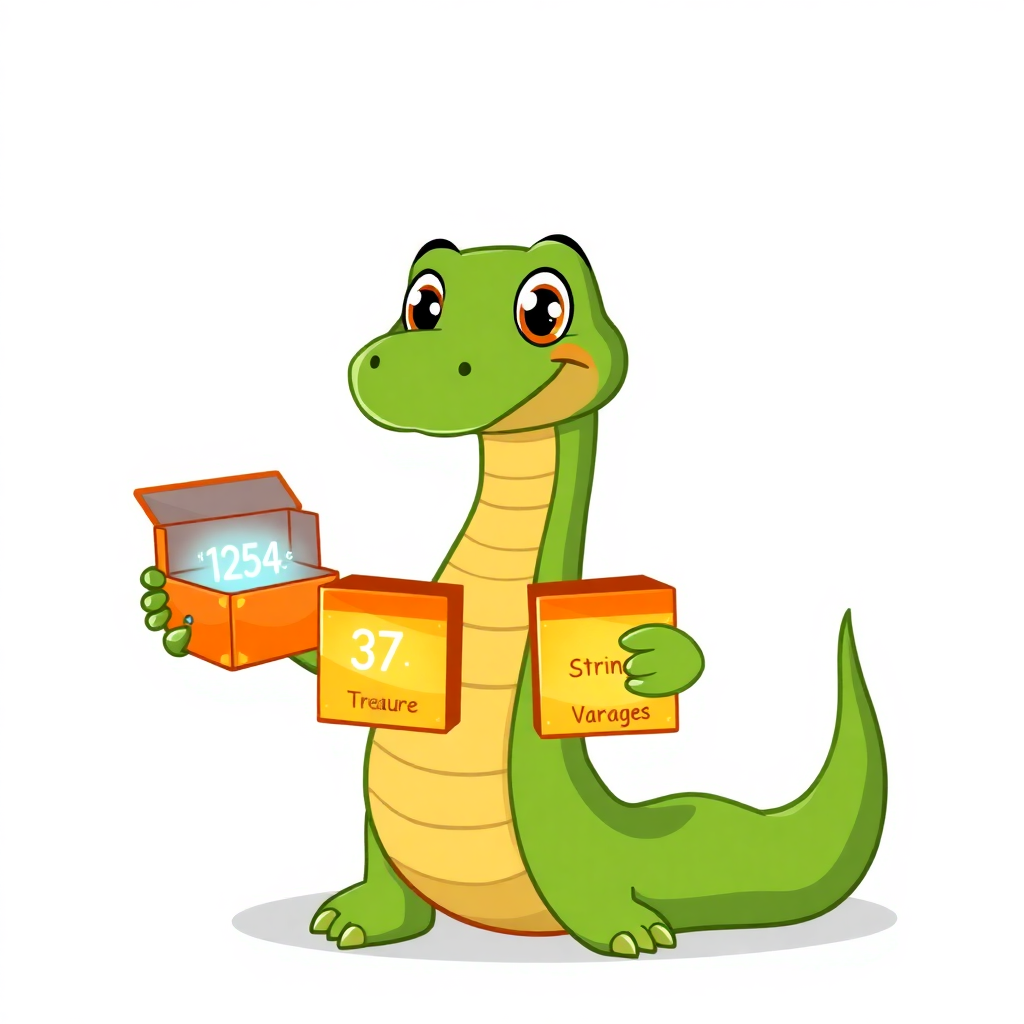
Appy Says…
Every game tracks your score, your health, your username. Every app remembers your name, your settings, your playlist. All of that lives in variables. Master this and you understand how every app stores data.
What is a Variable?
A variable is a named storage box in your computer's memory. You give it a name, put a value inside, and use that name anywhere in your code to get the value back — or change it.
- •You create one with
name = value— the = sign means 'store this' - •You can store text, numbers, True/False, lists… anything
- •The value can change later — that's why it's called a variable
- •Variable names should describe what they hold:
scorenotx123
Think of it like a Minecraft chest
Each chest has a label on it. You open the chest labelled diamonds to see how many you have. You can take some out (decrease), add more (increase), or swap the contents entirely. Variables work the same way — label, store, retrieve, change.
Quick Cheat Sheet
How Variables Work
- •Assign:
score = 0— creates the box and puts 0 inside - •Read:
print(score)— opens the box and shows what's inside - •Update:
score = score + 10— take the old value, add 10, put the new value back - •Rename: just use a new assignment —
score = 100replaces whatever was there
Real-World Examples
- •A game stores
lives = 3— every time you die,lives = lives - 1 - •Spotify stores your
volume = 75— moving the slider changes the variable - •TikTok stores
likes_count = 1423— every heart press doeslikes_count += 1 - •A shopping app stores
cart_total = 0and adds to it with each item
Key Facts
- •Variable names cannot start with a number:
1scoreis invalid,score1is fine - •Use underscores for multi-word names:
high_score(snake_case is the Python style) - •Python figures out the type automatically — no need to say 'this is a number'
- •
+=is a shortcut:score += 10meansscore = score + 10
Remember
The = sign in Python does not mean 'equals' like in maths. It means assign — 'store this value in this variable'. To check if two things are equal, use == (double equals).
What You Learned
- •A variable is a named box that stores a value in memory
- •Create with
name = value, read withprint(name) - •Update the value by assigning again:
score = score + 10 - •Good names make code readable — use
player_health, notph - •
=means assign,==means check if equal
Key Facts
- →Variable names cannot start with a number:
1scoreis invalid,score1is fine - →Use underscores for multi-word names:
high_score(snake_case is the Python style) - →Python figures out the type automatically — no need to say 'this is a number'
- →
+=is a shortcut:score += 10meansscore = score + 10
Real-World Examples
Remember
The = sign in Python does not mean 'equals' like in maths. It means assign — 'store this value in this variable'. To check if two things are equal, use == (double equals).
Quick Quiz
What is a variable?